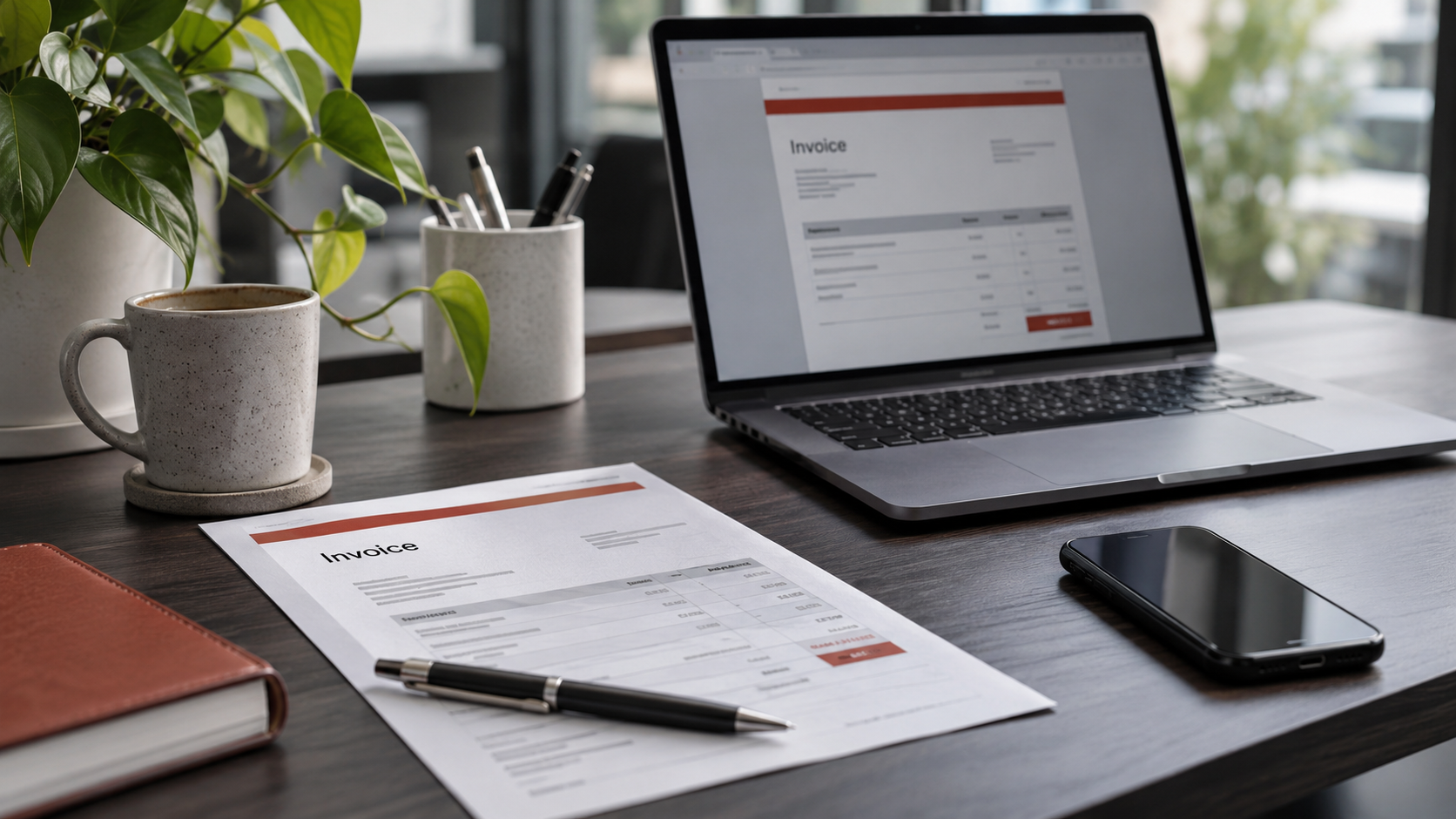
An invoice arrives from a supplier you recognise. The branding looks right, the amount seems reasonable and nothing immediately stands out.
But the bank details belong to a scammer.
Invoice fraud works because it looks like an ordinary business transaction. A few simple checks can help stop a fraudulent payment before the money leaves your account.
How invoice fraud works
A criminal may impersonate a supplier, create a lookalike email address or gain access to a genuine mailbox. The criminal then sends or alters an invoice so the payment goes to another account.
The fake invoice may include the supplier’s real business name, branding, ABN and invoice layout: everything you would normally expect to see.
Six warning signs
Before paying an invoice, look for these red flags:
- The bank details have changed: Treat every request to change payment details as high risk, even from a regular supplier.
- The email address is slightly different: Check the full address for extra letters, words, hyphens or other small changes.
- There’s pressure to pay immediately: Urgency can be used to get someone to act before checking.
- The details don’t match previous invoices: Compare the ABN, amount, reference and banking details, and query anything you don’t recognise.
- It appears in a genuine email conversation: A compromised supplier account can allow scammers to read and reply to real correspondence. A familiar email thread doesn’t guarantee the request is legitimate.
- You’re asked to bypass the normal process: Be suspicious of requests to skip approvals, make an exception or keep a payment confidential.
How to protect your business
- Verify changes by phone: Never update supplier bank details from an email alone. Call the supplier using a phone number you already have on record or have found independently. Don’t use the phone number in the invoice or email you’re trying to verify.
- Use a second approval: Have another person approve new suppliers, changed banking details and unusual or high-value payments.
- Protect your email accounts: Use multi-factor authentication and monitor for suspicious sign-ins and unexpected email-forwarding rules.
- Train your team: Short, regular training combined with realistic phishing simulations helps staff recognise suspicious requests and know when to stop and check.
How Nettko and usecure can help
Technology is important, but your team also needs to know what to look for.
Nettko uses usecure to deliver ongoing cyber security awareness training and phishing simulations. Staff are automatically enrolled in courses, receive reminders to complete them, and get follow-up training based on how they respond to simulated phishing emails.
Rather than relying on a once-a-year training session, regular training helps reinforce better security habits and keeps cyber security front of mind.
Already paid a fraudulent invoice?
Act quickly:
- Contact your bank immediately and ask whether the transaction can be stopped or recalled.
- Contact Nettko or your IT provider.
- Keep the emails, invoice, attachments and payment records.
- Secure any affected email accounts.
- Contact the genuine supplier using known contact details.
- If your own mailbox was compromised, warn your clients and suppliers. They could be targeted next.
- Report the incident through ReportCyber and Scamwatch.
Check before you pay. Not after.
Invoice fraud can look completely legitimate. Taking a moment to stop and independently verify a suspicious request can make all the difference.
Would your team recognise a fraudulent payment request? Talk to Nettko about cyber security awareness training and phishing simulations powered by usecure.