%20(1).svg)
quick contact
Get in touch
WORKING HOURS
Monday – Friday: 8:30am – 5pm
Contact
Call : (02) 4940 9000Located At
110/10 Kenrick St, The Junction NSW 2291.png)
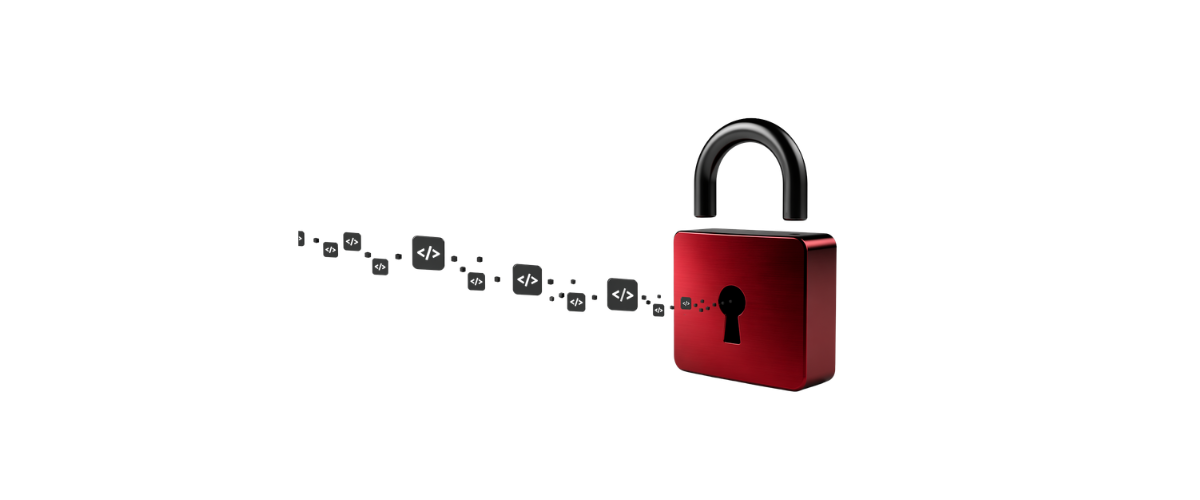
Apple identified and fixed two security weaknesses that could let bad actors take control of devices or run harmful code if you visit a dangerous website or view certain content. These types of weaknesses are called “zero-day vulnerabilities.” Apple has already released updates to fix them
These flaws affect:
· iPhones
· iPads
· Macs
· Apple Watches
· Apple TVs
· Apple Vision/other Apple devices
What this means for you
· If your Apple device wasn’t updated, it was vulnerable
· Apple has released updates that fully fix the issue
Updating your device is the only protection
Practical Steps to Protect Your Apple Devices
Here’s what you should do right now:
1.Install All Apple Updates Immediately
Goto: Settings → General → Software Updates
Install the latest available version of iOS / iPadOS / macOS / watchOS
These updates contain the security fixes that close the vulnerabilities attackers were exploiting.
2.Enable Automatic Updates
This ensures your device installs future security updates automatically:
Settings → General → Software Update → Automatic Updates
3.Update Your Apps
Apps sometimes include security improvements too:
· Open the AppStore
· Tap your profile
· Update all apps
4. Avoid Risky Web Activity
Until your device is updated:
· Don’t click on suspicious links
· Don’t open unknown attachments
· Be cautious with websites you don’t trust
5.Restart After Updating
After updates install, restart your device — this ensures all security protections are properly applied
Why it matters
Keeping your device updated protects your photos, messages, passwords, and personal data. The risk was real, but the fix is simple and free — you just need to install it.
Our team is here to help you step confidently into 2026. From improving cybersecurity to streamlining your systems, we work alongside your business to ensure you’re secure, prepared, and ready for whatever comes next.