%20(1).svg)
quick contact
Get in touch
WORKING HOURS
Monday – Friday: 8:30am – 5pm
Contact
Call : (02) 4940 9000Located At
110/10 Kenrick St, The Junction NSW 2291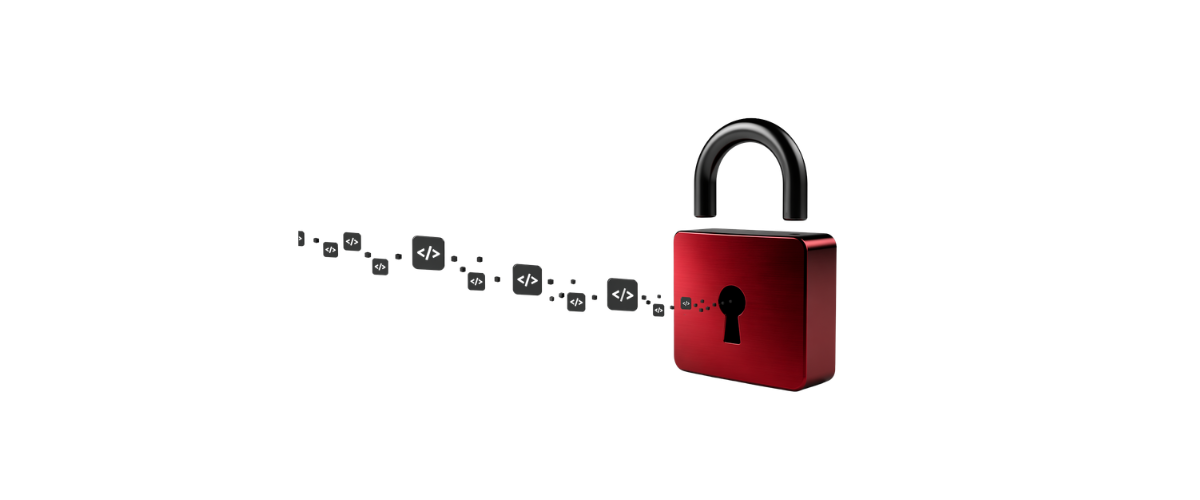
You click a link. You land on the real Microsoft website. You enter a code. Nothing seems wrong.
You've just handed a stranger complete access to your business.
This isn't a hypothetical. Australia's cybersecurity agency flagged it this week as an active, growing threat targeting Microsoft 365 users right now, and businesses across Australia are in the crosshairs.
Here's exactly what happens
An email lands in your inbox. It looks like a document share, an invoice, or a routine Microsoft security prompt. There's a short numeric code and a button. You click it. The URL is correct. The page is the real Microsoft login. You've been here hundreds of times.
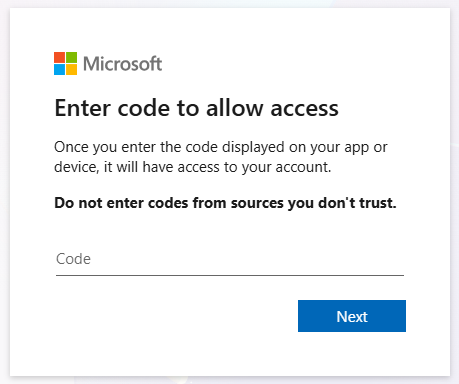
You enter the code. Maybe you wait for something to happen. Nothing does. You close the tab and get on with your day.
What you don't know is that code wasn't generated for you. It was generated by an attacker. By entering it, you authenticated their device into your account. No fake website. No password stolen. No MFA prompt. Nothing to indicate anything went wrong, because from where you were sitting, nothing did.
Why it's so hard to spot
Traditional phishing sends you to a fake site. This one sends you to the real thing. That's the entire trick. And once someone is in, they're in as you. They can read your emails, access your files, and send messages to your clients and colleagues from your own address. Because those emails come from a legitimate account, people trust them.
The rule that stops it
If you didn't start the sign-in yourself, don't enter the code.
That's it. Microsoft doesn't send codes out of nowhere. An unexpected code is a red flag, regardless of how legitimate everything around it looks.
If something arrives in your inbox and you're not sure, reach out to us before you click anything. A two-minute check is a lot easier than the alternative.
The Nettko Team is a group of experienced IT professionals passionate about helping businesses grow through smart, innovative technology solutions. Staying ahead of emerging digital trends, they deliver proactive, business-focused IT strategies that enhance agility, performance, and security in today’s fast-changing digital landscape.