%20(1).svg)
quick contact
Get in touch
WORKING HOURS
Monday – Friday: 8:30am – 5pm
Contact
Call : (02) 4940 9000Located At
110/10 Kenrick St, The Junction NSW 2291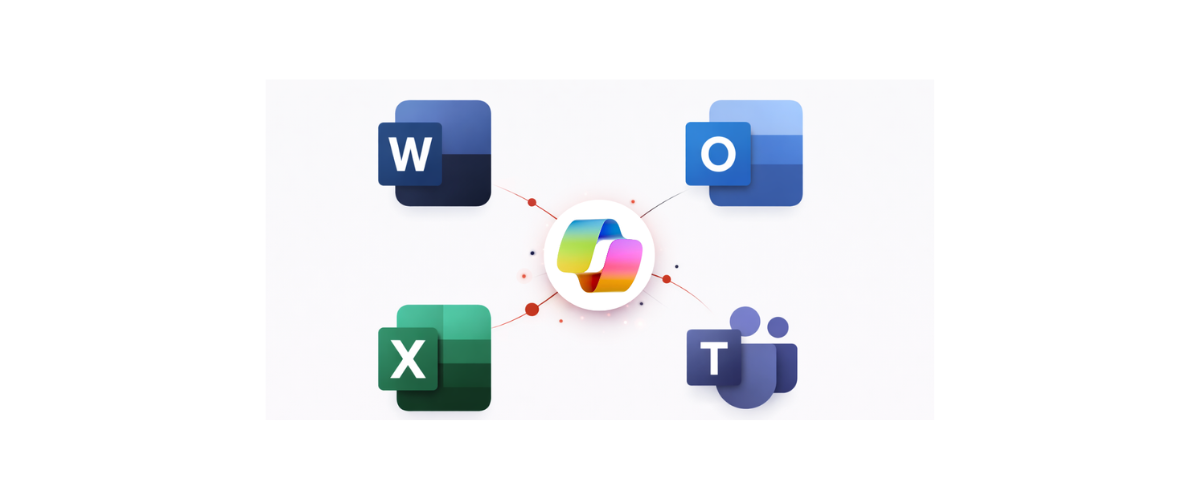
For a long time, AI tools like Microsoft Copilot felt like something reserved for large corporations — complex to set up, expensive to run, and built for IT teams with dedicated resources. That's changed.
Microsoft 365 Copilot Business is now available, bringing AI directly into the apps small and medium businesses already use every day — Word, Excel, PowerPoint, Outlook, and Teams. No new platforms to learn. No separate logins. Just AI working inside tools your team already knows.
So what does that actually mean in practice? Think about the time your team spends drafting emails, writing reports, or sitting through meetings that could have been a summary. Copilot Business can automate emails, reports, and proposals, freeing up time for the strategic work that actually moves your business forward.
There's also a security angle worth noting. One concern businesses often raise with AI tools is where their data ends up. Copilot Business respects your existing security, privacy, and compliance settings — your data stays private and under your control, with no extra setup required.
It attaches directly to your existing Microsoft 365 Business Basic, Standard, or Premium plan — so if you're already on M365, the path to getting started is straightforward.
This isn't about chasing the latest tech trend. It's about reducing the repetitive load on your team so they can spend their energy on what matters most. If you're curious whether Copilot Business makes sense for your setup, We are happy to walk you through it.
The Nettko Team is a group of experienced IT professionals passionate about helping businesses grow through smart, innovative technology solutions. Staying ahead of emerging digital trends, they deliver proactive, business-focused IT strategies that enhance agility, performance, and security in today’s fast-changing digital landscape.